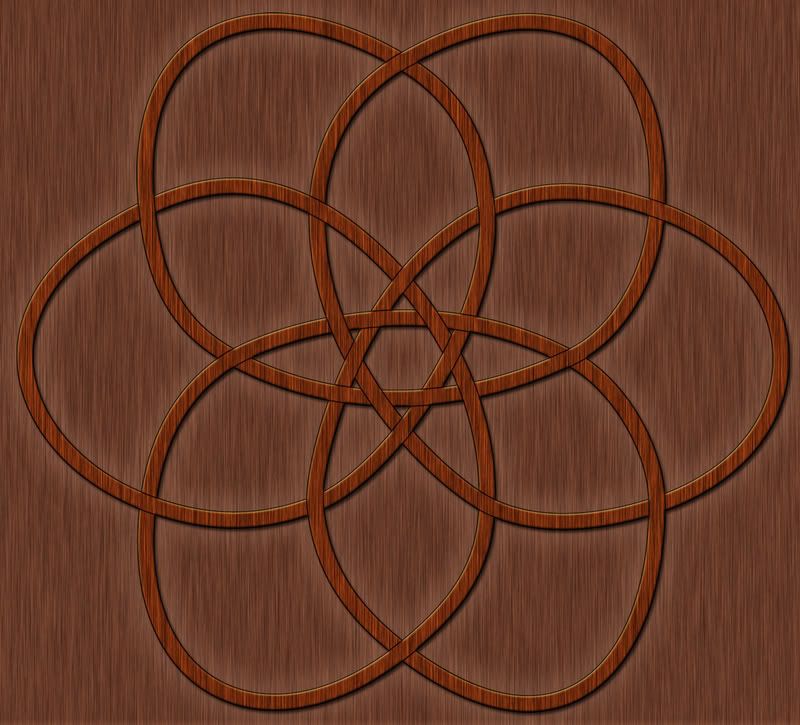
Wasn't expecting to post another one of these so soon, but I got kind of wrapped up in this one (no pun intended), and then ran out of time to draw anything else. This took me a while to figure out, and I'm a little less pleased with it than I wanted to be. But, all-in-all it was a good experience, and I'm learning a lot about creating these designs.
Showing posts with label illustrator. Show all posts
Friday, February 20, 2009
Celtic Knot II
Wasn't expecting to post another one of these so soon, but I got kind of wrapped up in this one (no pun intended), and then ran out of time to draw anything else. This took me a while to figure out, and I'm a little less pleased with it than I wanted to be. But, all-in-all it was a good experience, and I'm learning a lot about creating these designs.
Labels:
art,
celtic knot,
color,
drawing,
illustrator,
photoshop
Thursday, February 19, 2009
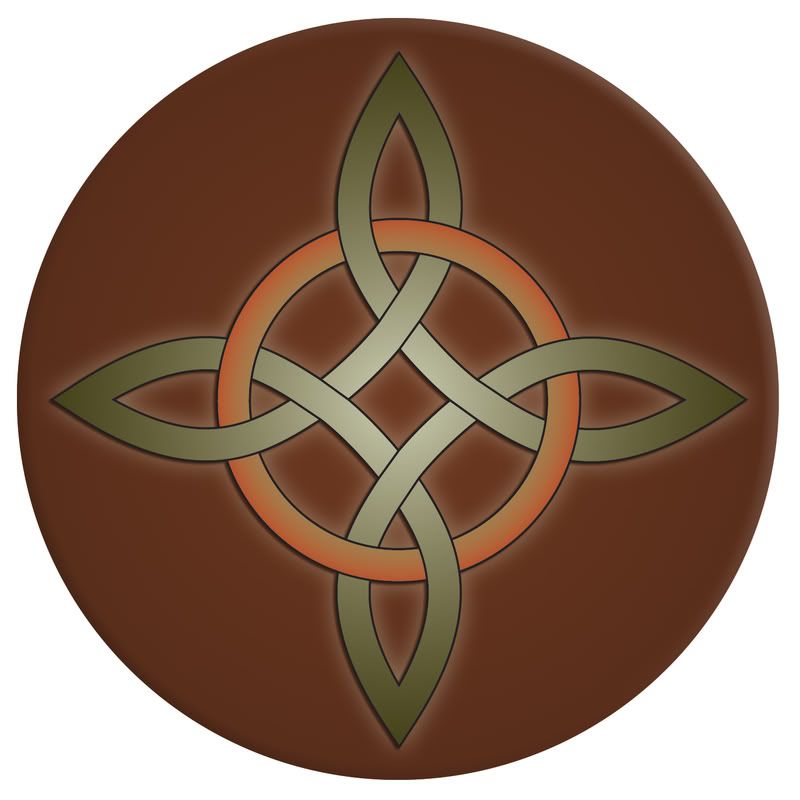
Celtic Knot
I've been learning how to draw Celtic knots. I did this one in Illustrator and finished up in Photoshop. I might post more as I get better at them.
Labels:
art,
celtic knot,
color,
doodle,
drawing,
illustrator,
photoshop,
wacom
Tuesday, October 28, 2008
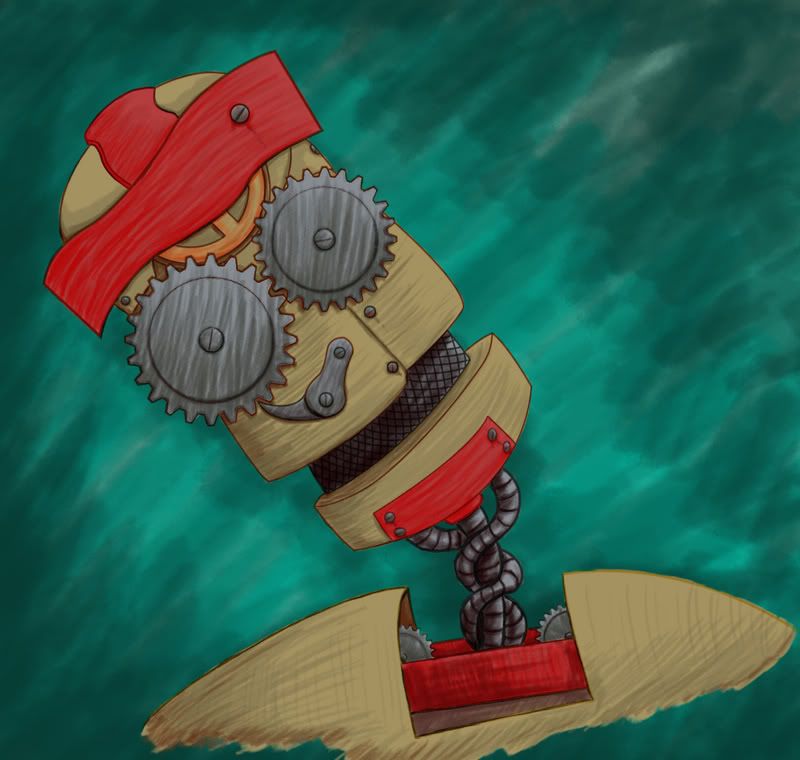
Clockwork Man
This was a lot of fun to do. I used Illustrator to get the gears shaped right, but the rest was done in Photoshop.
Labels:
art,
cartoon,
cartooning,
character sketch,
color,
drawing,
illustrator,
photoshop,
portrait,
robot,
shading,
smudge tool,
wacom
Saturday, September 27, 2008
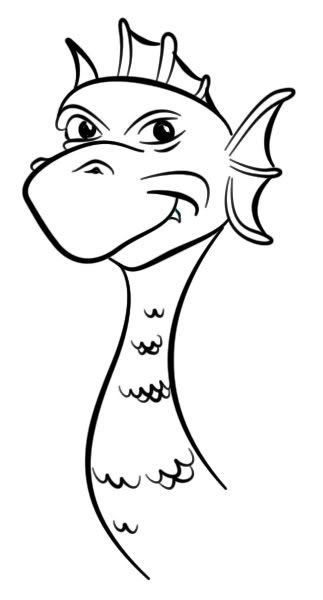
Dragon II
Another dragon. This time I was trying out a new outlining technique I found online. I was able to keep all of the outlining work completely in Photoshop and still get much the same effect I was getting by using Illustrator. Think I'll experiment a bit more with this technique.
Labels:
art,
cartoon,
cartooning,
character sketch,
doodle,
dragon,
drawing,
illustrator,
photoshop,
wacom
Tuesday, September 9, 2008
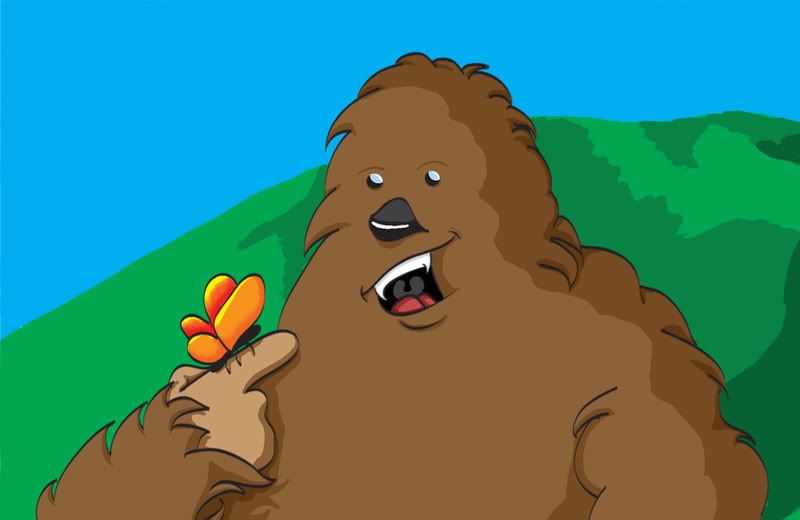
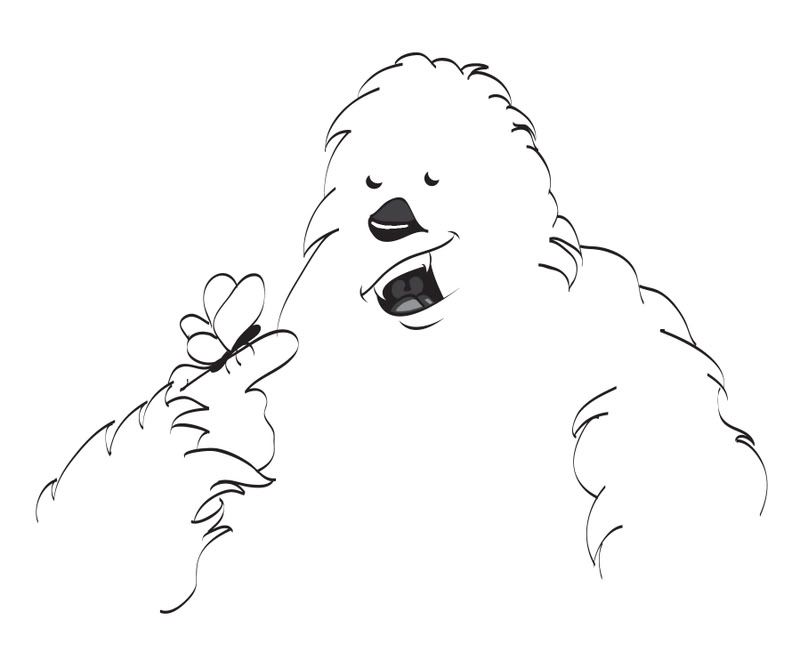
Big Foot - Color
Here's the promised color version of Big Foot. Colored in Photoshop. I could have done something similar using Illustrator, but it would have taken a bit longer to accomplish the same thing.
Labels:
art,
bigfoot,
cartoon,
cartooning,
character sketch,
color,
drawing,
illustrator,
photoshop,
wacom
Sunday, September 7, 2008
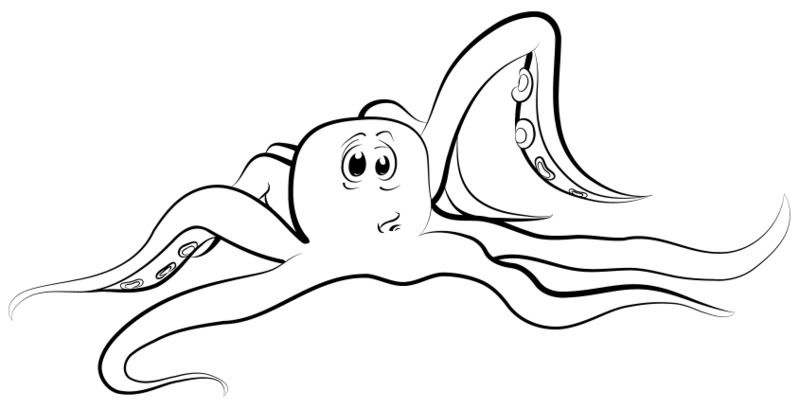
Octopus
Yep. I'm still messing around with the Illustrator brushes I created. Still fine-tuning things, so this trend may continue for a while. This little guy was done completely in Illustrator, no Photoshop required.
Labels:
art,
brushes,
cartoon,
cartooning,
character sketch,
doodle,
drawing,
illustrator,
octopus,
wacom
Saturday, September 6, 2008
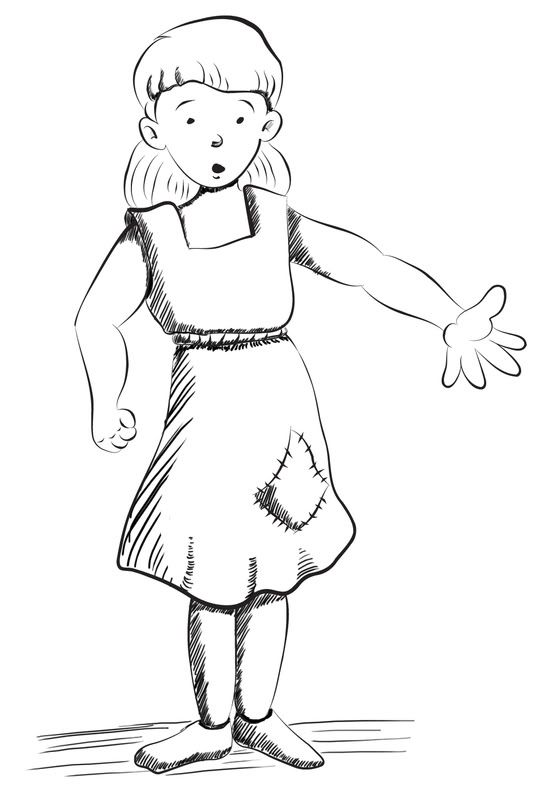
Little Cinder Girl
More testing out of my new Illustrator brushes, though I did some of the line work in Photoshop. This is a character idea for a children's story that only exists as a small glimmering of an idea in my head right now.
Labels:
art,
cartoon,
cartooning,
character sketch,
drawing,
girl,
illustrator,
photoshop,
wacom
Friday, September 5, 2008
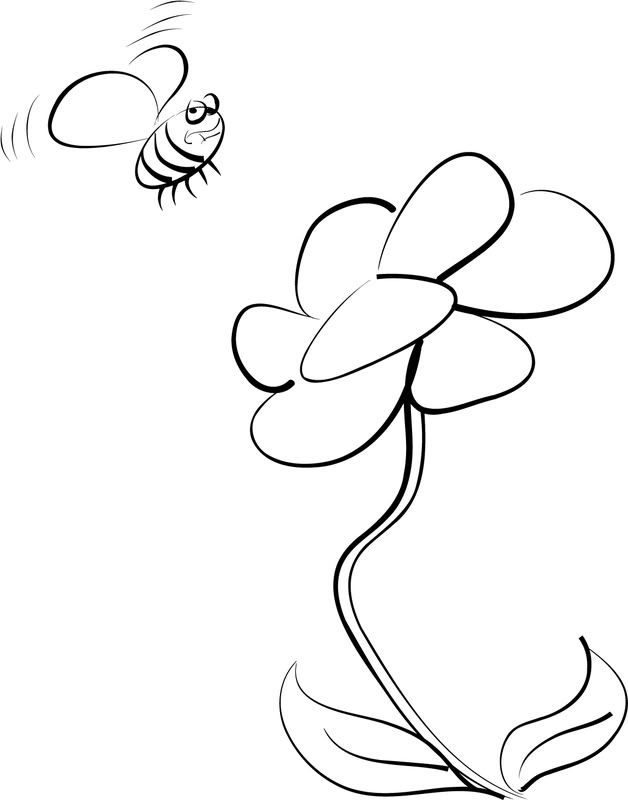
Bee & Flower
This is another simple sketch. I created some new brushes in Illustrator for the purpose of doing cartoon outlines. This is my test drawing.
Monday, September 1, 2008
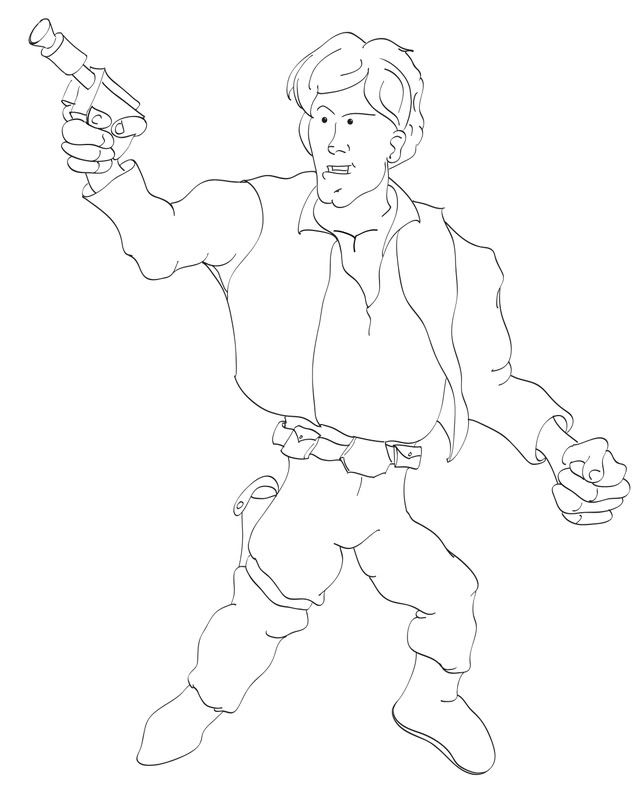
Han Solo
At Steve's suggestion, I decided to try my hand at a Star Wars character. Once again I used Illustrator for the line work. This one took me a while, and I ran out of time. I may go back and add shading (and probably color) sometime later.
Labels:
art,
cartoon,
cartooning,
character sketch,
doodle,
drawing,
illustrator,
photoshop,
star wars,
wacom
Sunday, August 31, 2008
Bigfoot
Another one where I did the line work in Illustrator and then tidied things up in Photoshop. I might add color to this one sometime in the future.
Labels:
art,
bigfoot,
cartoon,
cartooning,
character sketch,
doodle,
drawing,
feet,
foot,
illustrator,
photoshop,
scribbles,
wacom
Wednesday, August 20, 2008
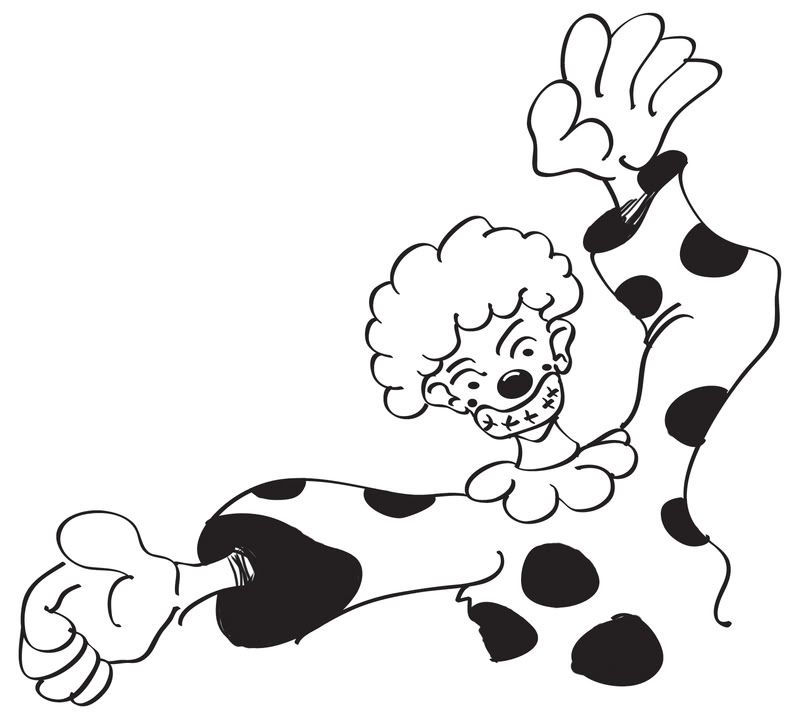
Clown
Played fast and loose with this one (as if it wasn't obvious)... Wanted to play around with some Illustrator brushes, but didn't want to get caught up in doing something terribly detailed. I cheated a bit and filled in the dots on the clown's outfit in Photoshop.
Labels:
art,
cartoon,
cartooning,
clown,
illustrator,
photoshop,
scribbles,
wacom
Tuesday, August 5, 2008
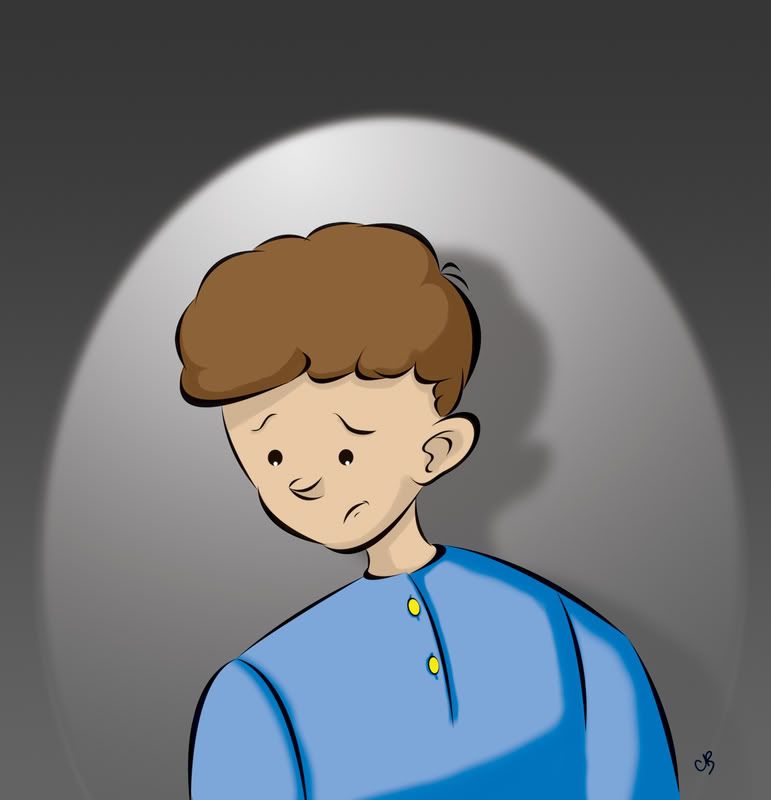
Character Sketch III - Nermal II
This is another character concept for Nermal. I've changed his look quite a bit from the previous sketch. Looking back, I think the other design made him look too old. I think this one gives him more of a child-like look. I've never really decided on an age for the character, but in my head he's somewhere between 8 and 10. I did the outlining in Illustrator for this one, and added color in Photoshop. I like this style, and will probably use it for all of the illustrations in the book.
Labels:
art,
cartoon,
cartooning,
character sketch,
illustrator,
nermal,
photoshop,
wacom
Friday, July 18, 2008
My Best Friend
This is a picture of my favorite person in the whole world (who, as of today, is a credentialed teacher [just had to brag on her a bit]).
I spent considerably more time on this one than any of the pieces I've posted so far (she never deserves less than my best). Once again I used Illustrator to create the outlines. I also played around quite a bit with layers, brushes and different tools (mainly the Smudge tool [my new best friend... at least in the digital art world]) in Photoshop.
Labels:
art,
best friend,
drawing,
illustrator,
painting,
photoshop,
portrait,
smudge tool,
wacom
Wednesday, July 9, 2008
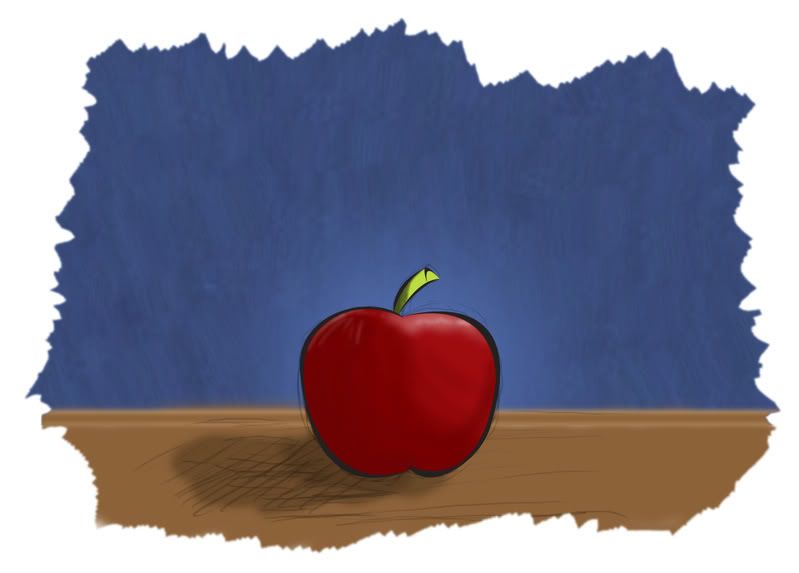
Apple
I'm starting out with the basics here, I know. An apple is a good basic shape and a little more exciting than just drawing spheres, which is why I chose it as a subject for this drawing. Once again I've used Illustrator for some of the line work, but I left in my original sketch lines, because I thought it would give it a bit more of a natural feel (as opposed to digital) to the piece. I've also been experimenting with some of the Wacom tablet/Photoshop brush dynamics (pressure sensitivity and so forth).
Tuesday, July 8, 2008
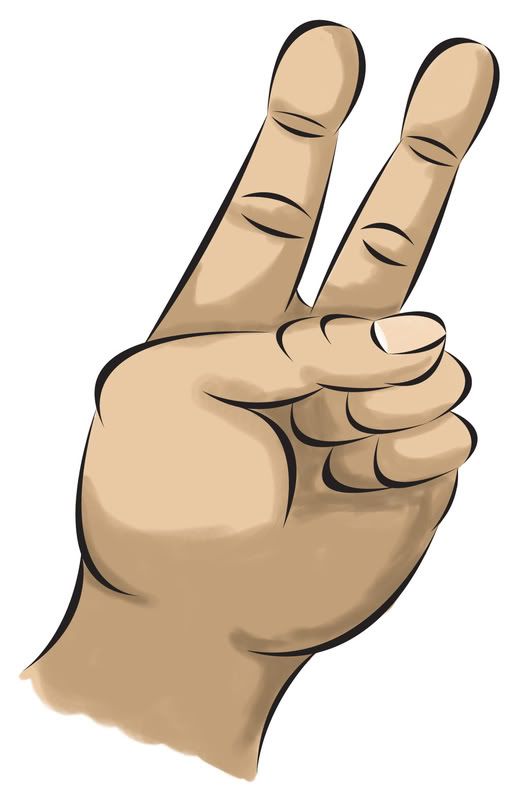
Peace
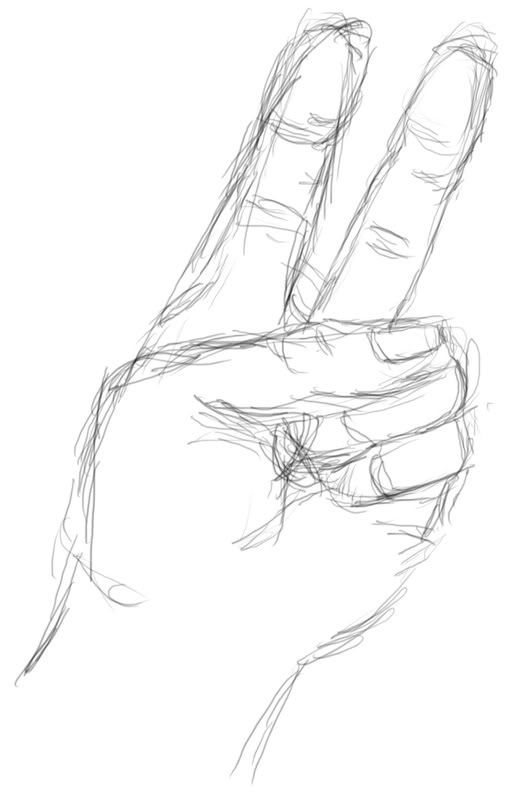
The human hand is difficult to draw, at least for a lot of people - myself included. Even cartoon hands can be difficult, so it is probably fitting that I made an attempt right off the bat.
I cheated quite a bit on this one, though I still created the entire thing digitally. I needed a bit of practice using the Wacom tablet with Adobe Illustrator, so after sketching the hand in Photoshop (see original sketch below) I used Illustrator to create the outlines. I then brought the entire thing back into Photoshop and added the color. I also made liberal use of the Undo command and the Eraser tool. Won't happen again... at least not too often.
Labels:
art,
cartoon,
cartooning,
drawing,
hand,
illustrator,
photoshop,
sketch,
wacom
Subscribe to:
Posts (Atom)